Microsoft Office Automation & Productivity Software
Purpose built add-in for Microsoft Excel, PowerPoint, and Word, enabling finance
professionals to build more robust models, deliver cleaner decks, turn fewer comments, and reclaim valuable
time.
Purpose built functions designed to automate and enhance
common finance workflows within Microsoft Excel, PowerPoint, and Word, saving analyst and associate time
while improving the quality of deliverables.
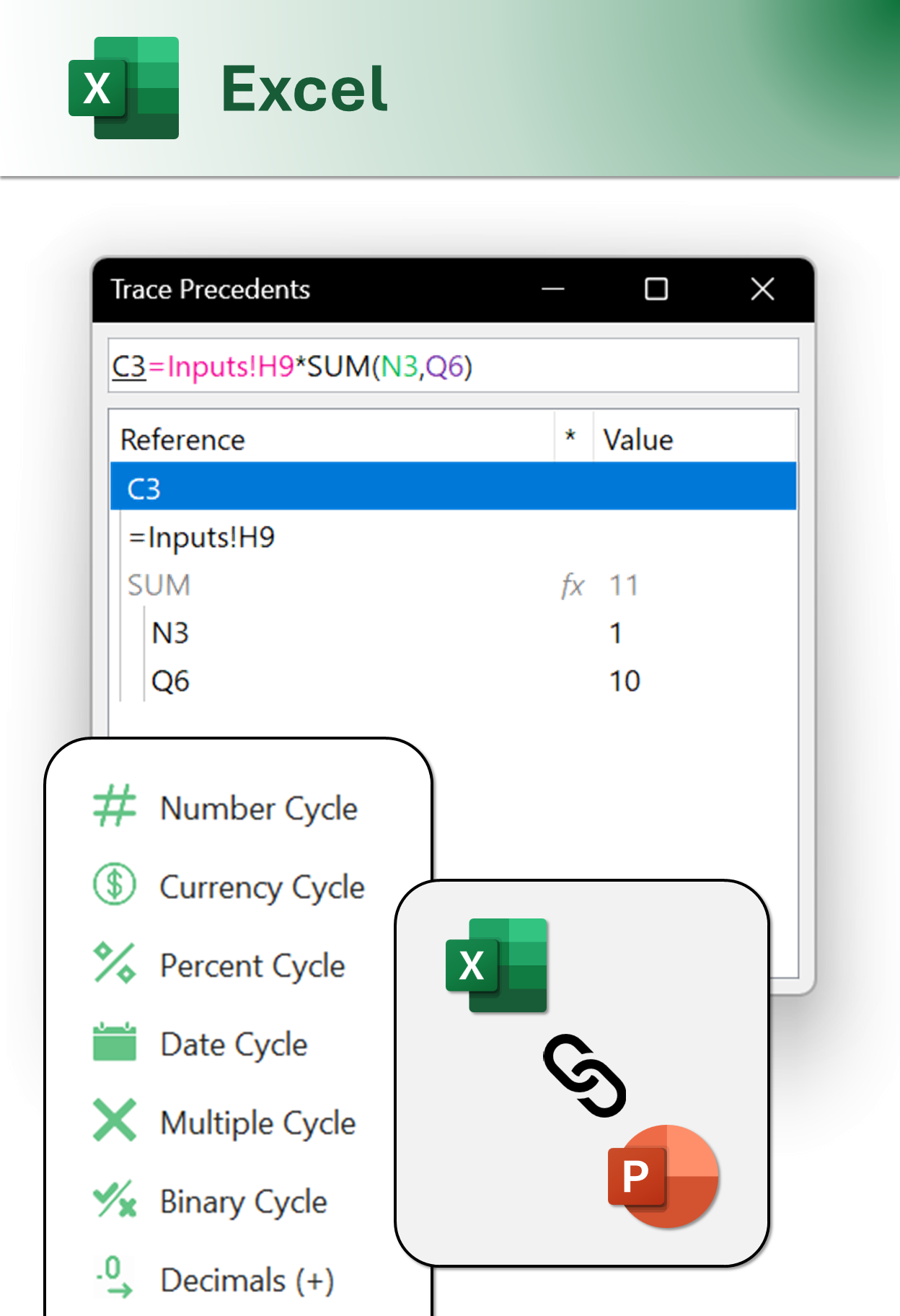
Trace Precedents
Audit Full Formulas
Cycle & Swap
Reorder Tombstones
Version Up
Easy Versioning
Custom Maps
Plot SVG Maps
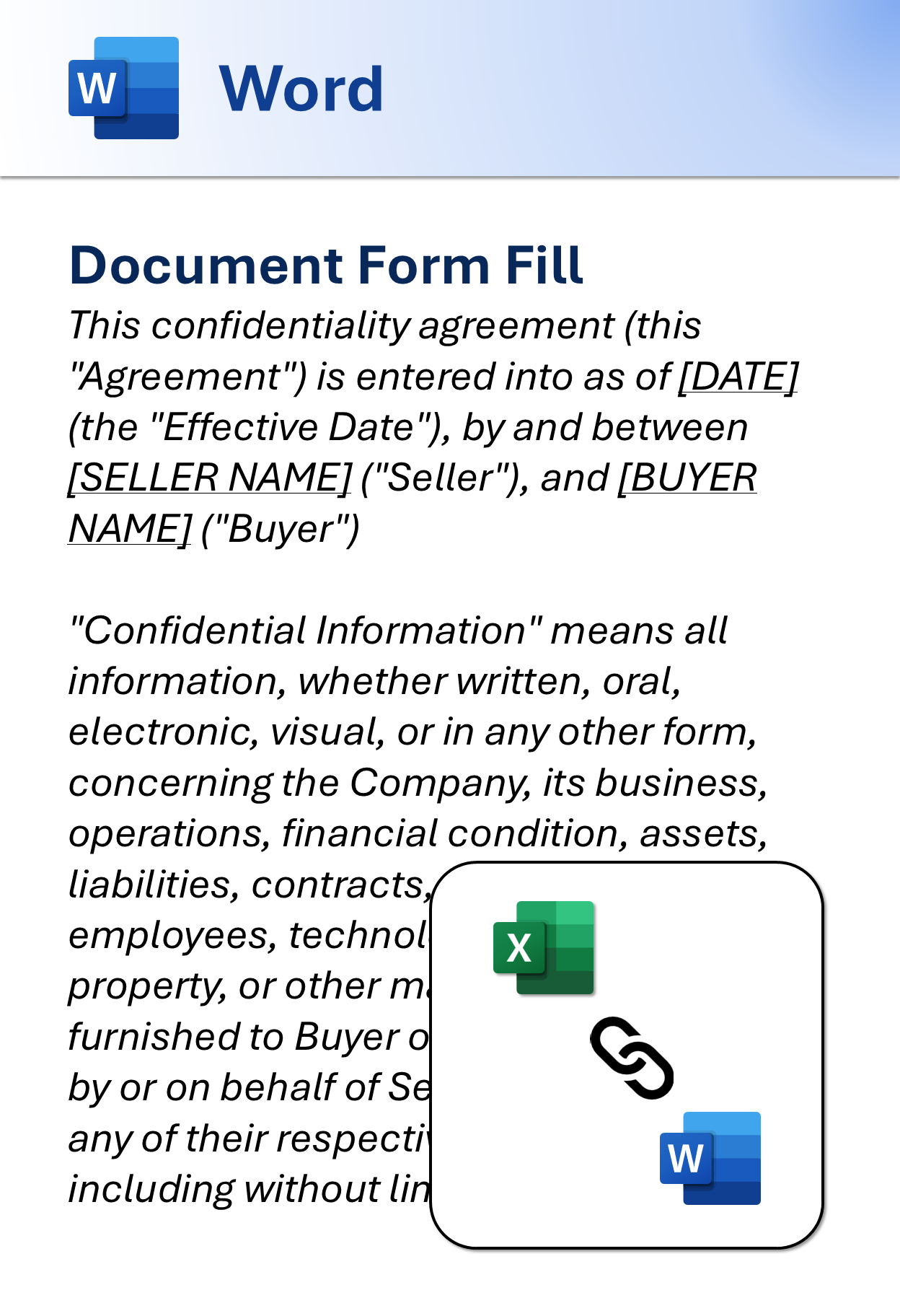
Form Fill
Templatize NDAs
Trace Precedents
Audit Full Formulas
Custom Maps
Plot SVG Maps
Form Fill
Templatize NDAs
Version Up
Easy Versioning
Custom Maps
Plot SVG Maps
Form Fill
Templatize NDAs
Trace Precedents
Audit Full Formulas
Custom Maps
Plot SVG Maps
Form Fill
Templatize NDAs
Version Up
Easy Versioning
Custom Maps
Plot SVG Maps
Form Fill
Templatize NDAs
Trace Precedents
Audit Full Formulas
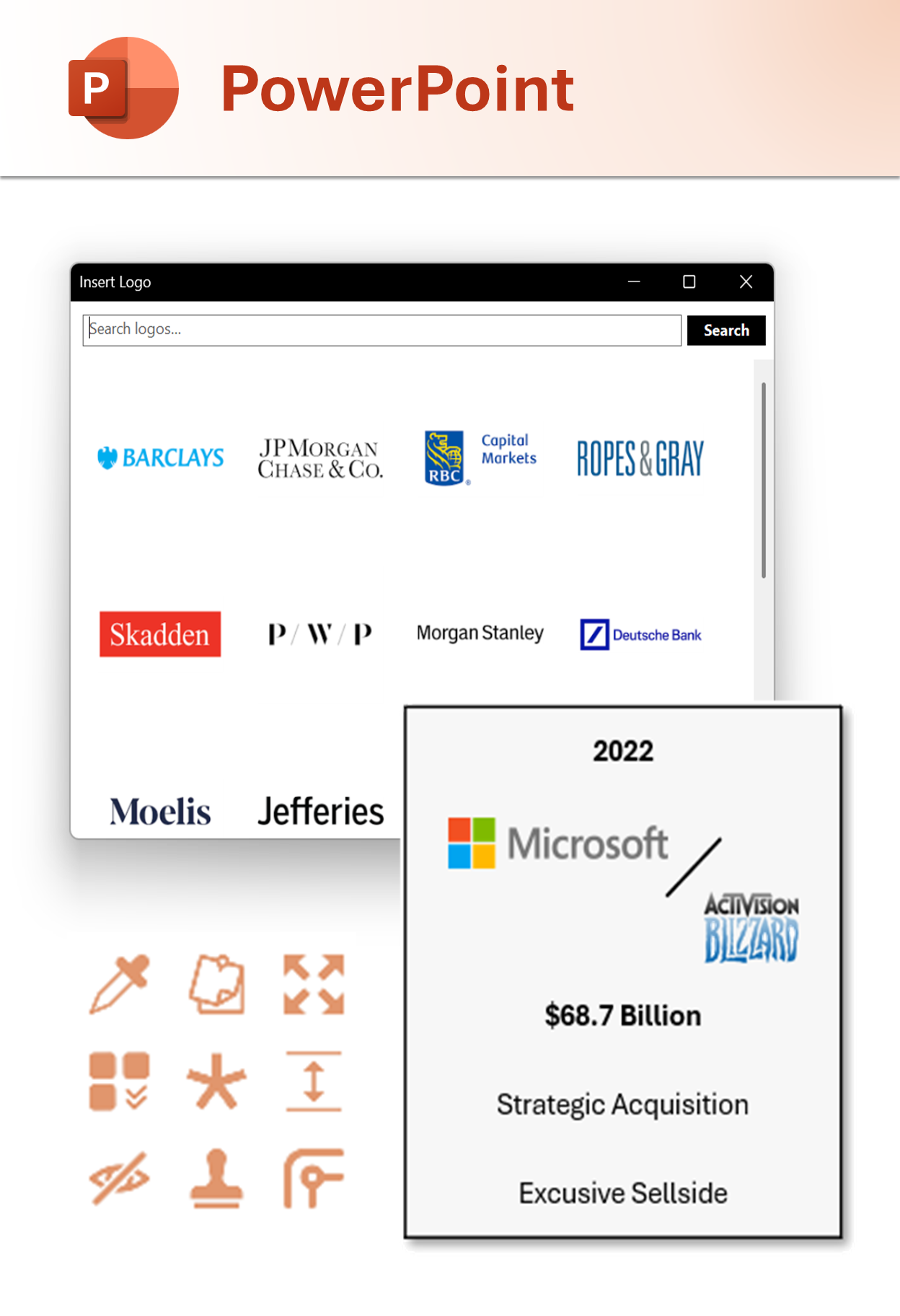
Insert Logos
Fast Web Import
Insert Icons
Custom SVG Icons
Format Cycles
Cell Format Cycles
XLS / PPT Linking
Link Charts & Text
Insert Logos
Fast Web Import
Insert Icons
Custom SVG Icons
Format Cycles
Cell Format Cycles
XLS / PPT Linking
Link Charts & Text
Insert Logos
Fast Web Import
Insert Icons
Custom SVG Icons
Format Cycles
Cell Format Cycles
XLS / PPT Linking
Link Charts & Text
Insert Logos
Fast Web Import
Insert Logos
Fast Web Import
Format Cycles
Cell Format Cycles
XLS / PPT Linking
Link Charts & Text
Insert Logos
Fast Web Import
Shared Libraries
Save Custom Assets
File Cleaner
Speed Up XLS Files
Insert Charts
Non-Native Charts
Alphabetize Logos
Auto Sort Logos
Redline Tool
Compare Files
Shared Libraries
Save Custom Assets
File Cleaner
Speed Up XLS Files
Insert Charts
Non-Native Charts
Shared Libraries
Save Custom Assets
File Cleaner
Speed Up XLS Files
Alphabetize Logos
Auto Sort Logos
Redline Tool
Compare Files
Shared Libraries
Save Custom Assets
File Cleaner
Speed Up XLS Files
Insert Charts
Non-Native Charts
Alphabetize Logos
Auto Sort Logos
Redline Tool
Compare Files
Shared Libraries
Save Custom Assets
File Cleaner
Speed Up XLS Files
Insert Charts
Non-Native Charts
Shared Libraries
Save Custom Assets
File Cleaner
Speed Up XLS Files
Alphabetize Logos
Auto Sort Logos
Redline Tool
Compare Files
Bringing Efficiency to Finance Workflows
Built by a former investment banker, Office Pragmatics transforms the way
professionals interact with Microsoft Office across investment banking, private equity, venture capital,
FP&A, and consulting.
Win More Pitches, Close More Deals
Equip your deal and project
teams with the most robust set of extensions and shortcuts for Excel, PowerPoint, and Word.
Increased Productivity
Automate and expedite monotonous tasks directly from your
keyboard.
More Attention to Detail
Bring custom functionalities that are unknown to native excel that
minimize mistakes.
FEATURES
Built with Individuals, Small
Teams and Enterprisein
Mind
Powerful Shortcuts
Advanced shortcuts that accelerate everything from slide and cell
formatting, to modeling, to review.
XLS to PPT Linking
Create dynamic presentations with live data connections between your
models and slides.
Advanced Charting
Build professional financial visualizations with sophisticated chart types
and formatting options.
Workflow Automations
Optimize common tasks with smart macros and workflow sequences designed
for power-users.
Enhanced Formatting
Quickly apply professional formatting across spreadsheets and decks using
keystrokes.
Enterprise Deployment
Easily roll out and manage across your entire organization with shared
asset libraries.
PRICING
Best Value on the
Market
Transparent Pricing
Our simple, per-user monthly subscription is feature packed with all
functionalities. We do not use tiered pricing with feature limitations.
WHAT'S INCLUDED
All shortcuts and features
Perfect for individuals and teams
Training for large enterprise clients
$10.99
Per user per month billed annually, plus
applicable tax ($13.99 billed monthly)
Office Pragmatics is compatible with desktop installations of
Microsoft 365 and standalone Office releases from 2010 onward. Unfortunately, Windows Store and
browser-based
editions of Microsoft 365 don't fully support COM add-ins. Please install the desktop version of Microsoft
Office via
the standard .exe and .msi installers to use Office Pragmatics. Due to similar framework limitations,
Office Pragmatics cannot be downloaded on MacOS or Linux. In order to leverage our software on a Mac, we
recommend that users download Parallels Desktop for use of a Windows 11 virtual machine.
How does Office Pragmatics interact with other Office add-ins?
Other Excel and PowerPoint add-ins, including FactSet, Pitchbook, Capital
IQ, and Bloomberg have shortcuts that that may conflict with Office Pragmatics' own functionalities.
Within Office Pragmatics or the other third-party add-ins, you are able to provide preference or disable
keystrokes to avoid conflicts.
Where can I find the full list of shortcuts?
The comprehensive set of functions and shortcuts can be found on our Features page
What can you tell me about security & privacy?
Our VSTO add-ins run entirely on your local Microsoft Office installation.
We do not collect, transmit or store your documents, formulas or other user-generated content on our
servers. Personal data we may collect includes license key, activation timestamp and a device hash, used
to verify legitimate usage. Logo and icon requests are processed through our servers and third-party APIs.
Data transmission for those requests is encrypted to ensure data privacy for sensitive applications.
Can I permission multiple users?
If you purchased multiple seats, you can manage and add internal users via the admin portal. When a user is added to a subscription, they will be sent a welcome email and can sign into the application using a one-time password tied to their work email. Download the application here to get started.